
Guide · Party views
Guide · 03
Party views
One switch at the top of the screen chooses who the map is for: Everyone, Republican or Democratic.
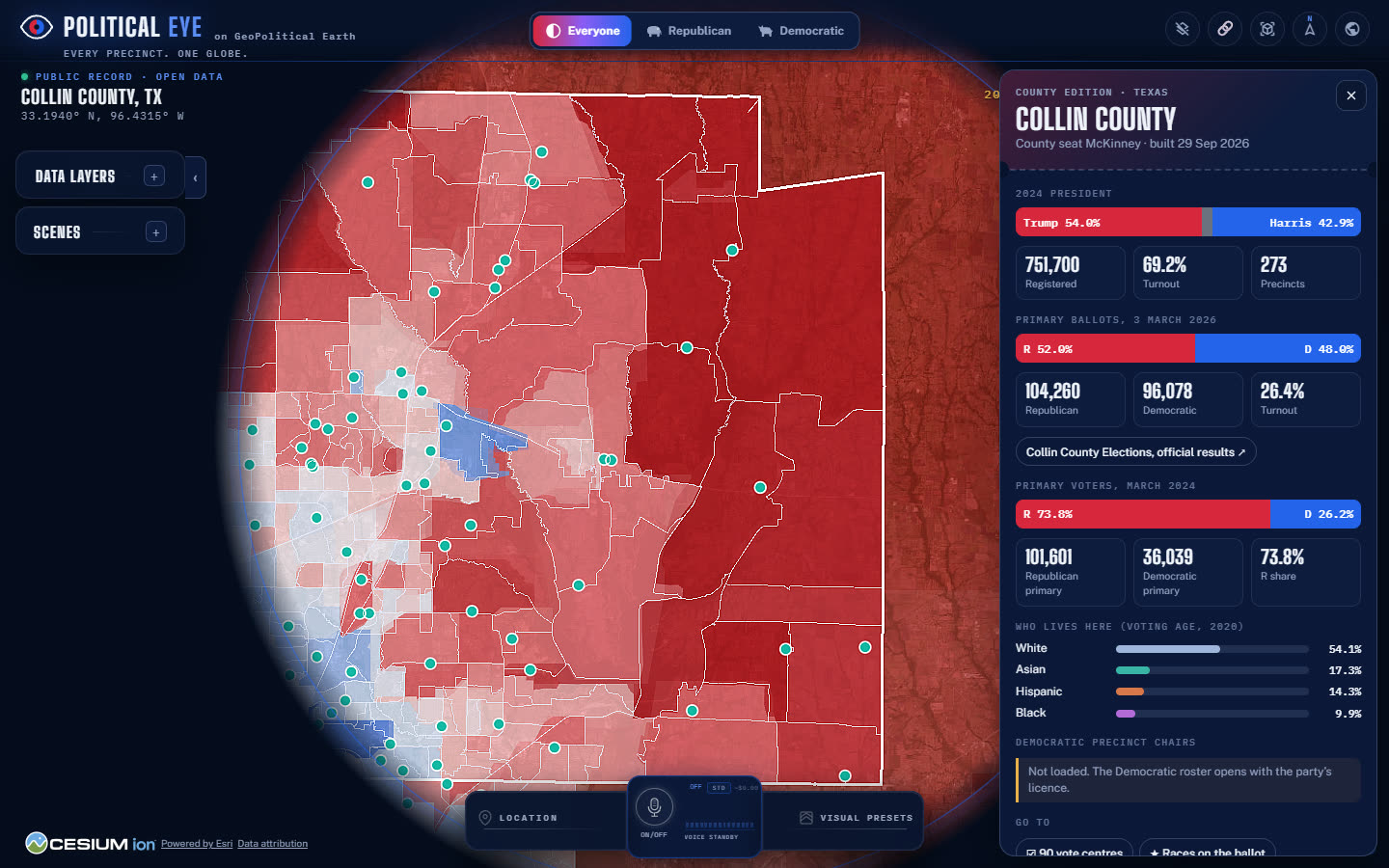
How the views differ
| Layer | Everyone | Republican | Democratic |
|---|---|---|---|
| Results, turnout, primary totals, demographics | Yes | Yes | Yes |
| Districts, vote centres, stations | Yes | Yes | Yes |
| Republican precinct chairs (name and precinct) | Yes | Yes | Locked |
| Chair phone and email | No | Yes | No |
| Republican events | Yes | Yes | Locked |
| Republican clubs | No | Yes | No |
| County party officers | No | Yes | No |
Party-owned layers follow the party that publishes them. A Democratic county party's rosters and events would work the same way in the Democratic view.
Colours never change
Red is always Republican and blue is always Democratic, in every view. The switch changes the interface accent (violet for Everyone, red for Republican, blue for Democratic) and which party layers you can see. It never changes the data colours.
Switching
- Click a view at the top centre, or focus the switch and use the arrow keys.
- Your choice is remembered on this device and added to the page address as
?party=gopor?party=dem, so a shared link opens in the same view.
PrivacyNo view shows individual voters. Every voter number is a precinct total. See Privacy & what we never show.